

Payment
Pay with Venmo
Send your payment securely through Barrett Web Studio's business Venmo account. Scan the QR code or search @BarrettWebStudio in Venmo.
Barrett Web Studio manually confirms every Venmo payment before an invoice is marked paid.
Enter your payment details
Use the exact amount shown on your invoice. Put the invoice number in the Venmo note.
Open Venmo, scan the code or search the username above, enter the invoice amount, and put the invoice number in the payment note so it can be matched to your project.
Payments are sent through Venmo and confirmed manually. Your invoice is marked paid once the payment is received.
This page does not automatically mark an invoice paid. If you have portal access, use “I sent my payment” there after sending it.
Barrett Web Studio
@BarrettWebStudio
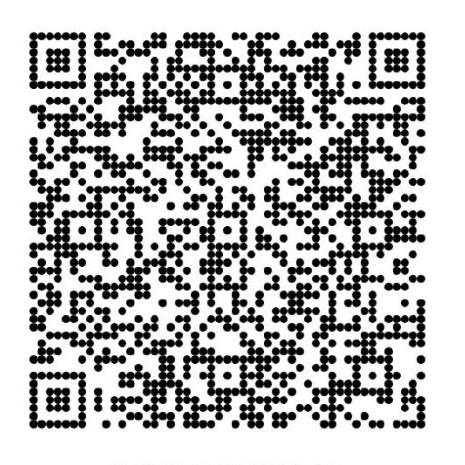
Scan in Venmo to pay
Payments are confirmed by Barrett Web Studio before your invoice is marked paid.